
What changed
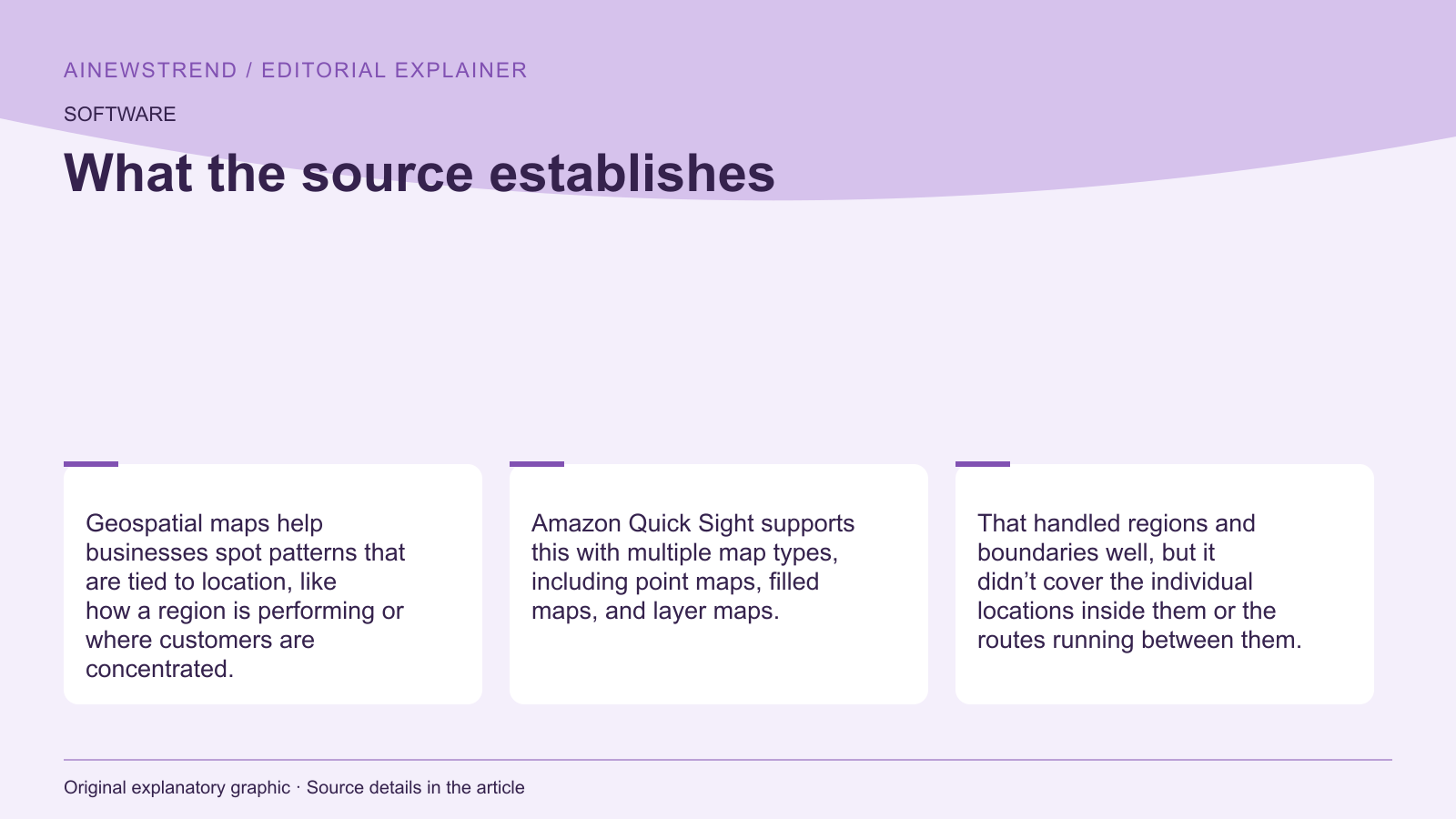
Amazon QuickSight has expanded its layer map functionality to support GeoJSON Point and LineString geometries, enabling users to visualize individual locations and routes. Previously, layer maps only supported Polygon and custom shape layers. This update allows users to plot points for specific locations, such as store sites, and draw lines for routes, like flight paths or delivery routes.
What this means in practice
Users can now upload GeoJSON files containing Point and LineString geometries to create detailed visualizations. For instance, a retail company can plot store locations as points and show delivery routes as lines. The GeoJSON file must be in .geojson format with a maximum size of 100 MB. The QuickSight dataset must include a join key that matches the properties in the GeoJSON file to link data points to metrics.
Limitations and availability
The new feature is available for users with Amazon QuickSight, and it requires a GeoJSON file with the correct structure. Layer map visuals can only render one geometry type at a time, so users must ensure their GeoJSON file contains only the desired geometry type or filter the data accordingly. The feature is part of Amazon QuickSight's business intelligence capabilities and is accessible through the QuickSight service.