
What changed
AWS has launched general availability for SageMaker AI training sessions, enabling users to customize models using post-training techniques without managing GPU infrastructure. This update allows users to write and coordinate their own training loops, including custom loss functions or reward signals, while SageMaker AI handles GPU allocation, distributed execution, fault recovery, and checkpoint storage.
What this means in practice
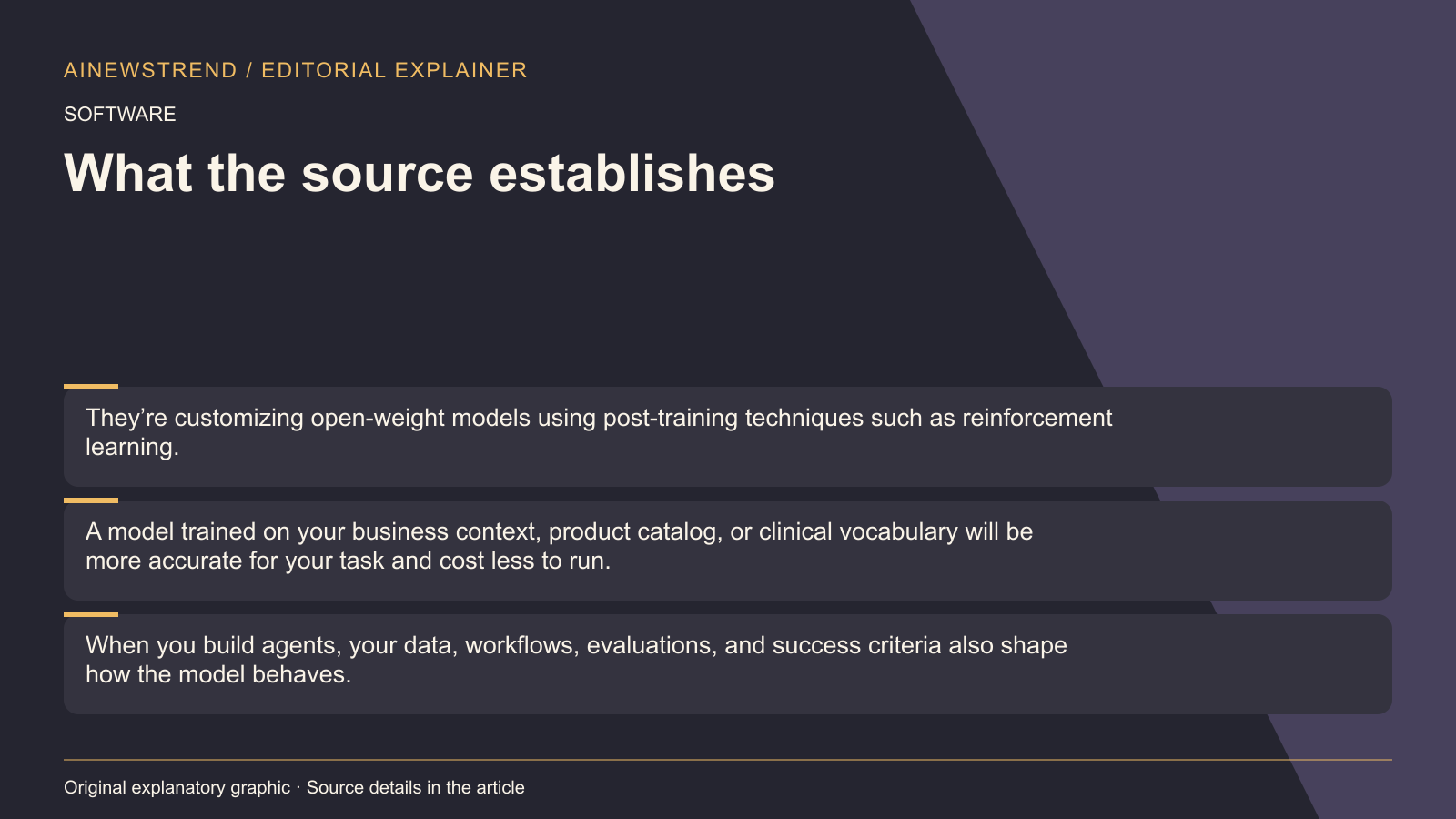
The new training sessions feature gives users control over the post-training logic without the hassle of infrastructure management. Users can choose techniques such as SFT, DPO, RLVR, RLAIF, or multi-turn RL, and decide how much of the model to update with Low-Rank Adaptation (LoRA) or full fine-tuning. The SageMaker AI training sessions cookbook provides examples and use cases, along with model customization agent skills. Users can describe their use case, and the agent handles data prep, technique choice, training, evaluation, and deployment. The agent works in environments such as SageMaker Studio, Kiro, Claude Code, Codex, or GitHub Copilot.
Limitations and availability
The training sessions are available today with support for gpt-oss-20b, gemma-4-31B-it, Qwen3.6-27B, and Qwen3.8-27B. Users can start by installing the SageMaker Python SDK (on Linux or macOS with Python 3.10 to 3.12) and cloning the cookbook, or by launching a ready-to-use AI development environment in SageMaker Studio in under 20 seconds. The meter stops while the reward function scores a batch in the user's environment, and there is no capacity to reserve. Users can keep control of their data and models by using an AWS Identity and Access Management (IAM) execution role and adding their own AWS Key Management Service (AWS KMS) key and virtual private cloud (VPC) configuration. Data stays in the user's Amazon Simple Storage Service (Amazon S3) buckets in the chosen AWS Region, and checkpoints are stored there as well. AWS does not use user data or customized weights to train another model. Before deployment, users can evaluate the model for accuracy, bias, and safety. After deployment, they can apply guardrails and monitor it with Amazon CloudWatch.