
What changed
Google Cloud announced that spend caps on Google Cloud Budgets are now generally available. This update introduces three major enhancements to the cost-control features, including automation through an API, real-time visibility with live cost reports, and automated monthly resets for spend caps.
What this means in practice
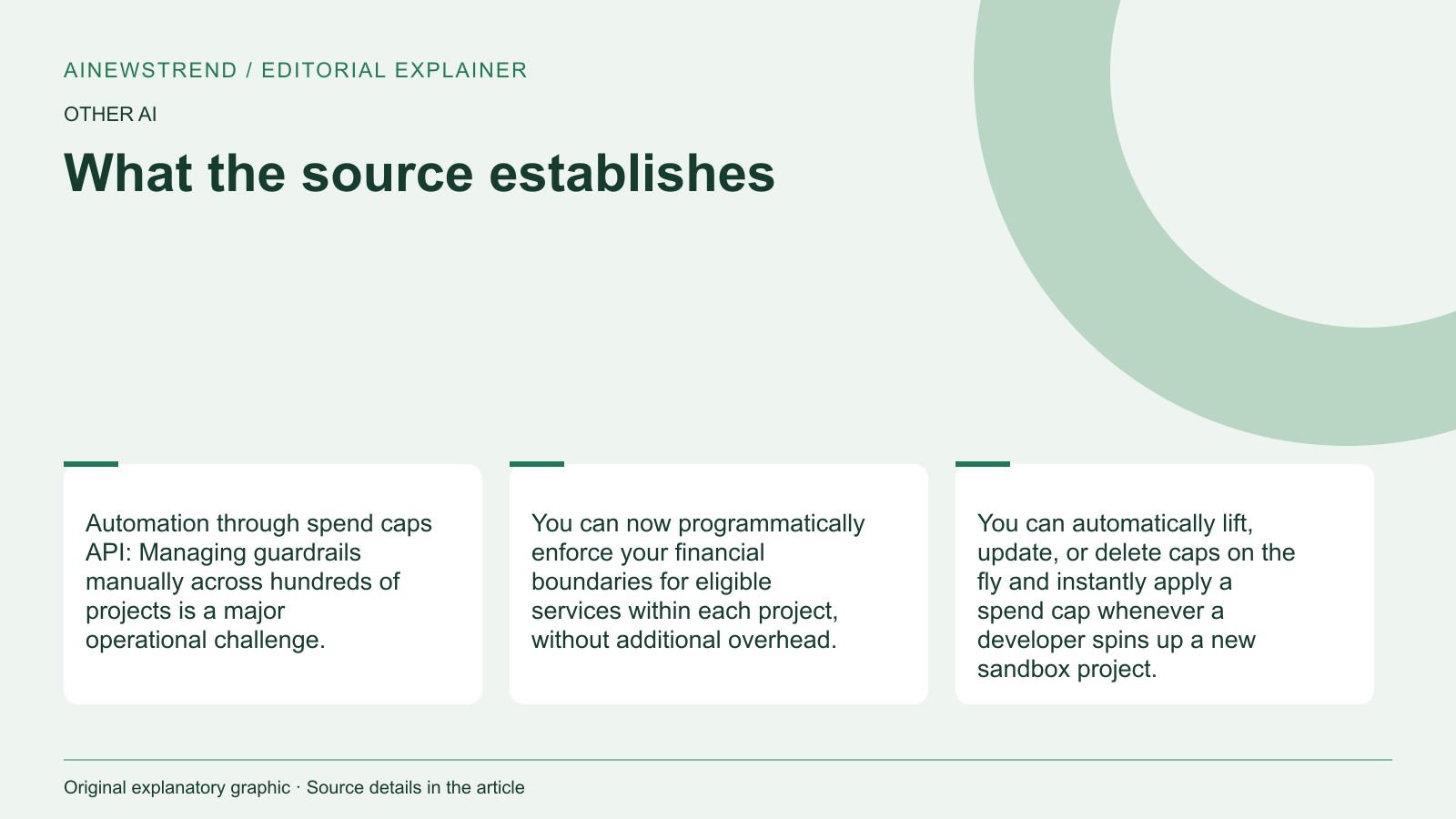
The new spend caps feature allows users to programmatically enforce financial boundaries for eligible services within each project. The spend caps API can be accessed from the existing Cloud Billing Budgets API, enabling automated enforcement of caps without additional overhead. Users can automatically lift, update, or delete caps on the fly and instantly apply a spend cap whenever a developer spins up a new sandbox project.
Real-time visibility is improved with live cost reports that show estimated costs within minutes of usage. This allows users to understand why and when a limit was breached, providing immediate context for root-cause analysis.
Automated monthly resets are also introduced, so enforced spend caps will automatically reset at the beginning of the next month, and blocked services will seamlessly resume. However, manual override options remain for those requiring strict governance policies.
Limitations and availability
The supplied announcement does not specify exact hardware requirements or license conditions for the spend caps feature. The feature is available for eligible services and can be accessed through the Cloud Billing Console. Users are encouraged to review the documentation for more details and to navigate to the Budgets and Alerts page to set their first spend cap. The spend caps API documentation is also available for integrating programmatic guardrails into deployment workflows.